
In case you are a Compliance Officer or a user with the Manage Redactions permission, you will be able to view the Redactions section in the main sidebar.
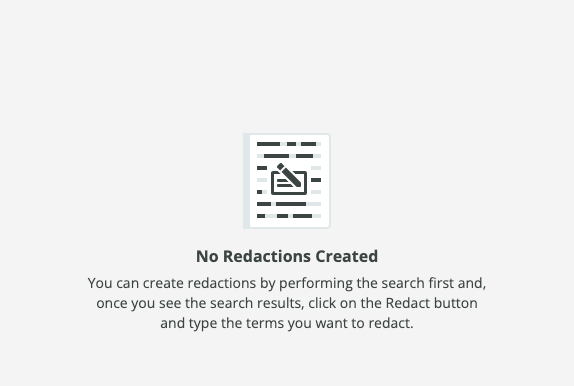
Before any redactions are created, you'll be presented with the following message and an explanation on how to use the Redaction feature.
Once there is at least one redaction, it will be presented in the table with the following columns:
- Date/Time when the Redaction was created
- Search Term for which the Redaction was set
- Redacted Terms - the list of terms that have been redacted
- Redacted Emails - the View link will take you to the Search Results with the Redact mode on, appropriate Search Filters on and all the terms redacted in the Search Results
- Redacted By - The email of the user who created the Redaction

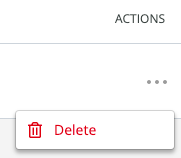
There will be the option to Delete a Redaction in the More menu of each Redaction item. This would delete the reference between the Redaction and emails where the term(s) were redacted and the Redaction itself.
It is possible to sort the results by Date/Time and Redacted by columns.
The standard pagination allows you to choose to display 10, 25, 50, 100, 150 and 200 Redactions per page.
Comments
0 comments
Please sign in to leave a comment.