
When in the Admin menu, click on the Message Source tab on the left and select Ingestion. Here Click the network section:
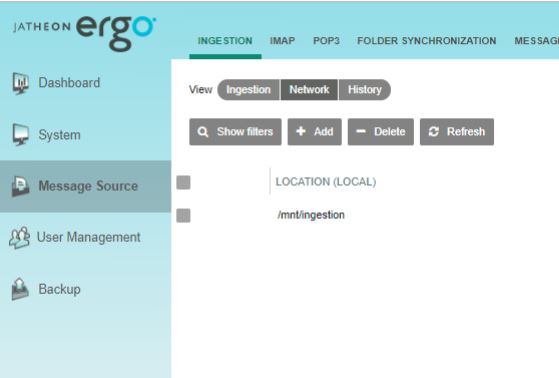
Click on the Add button and the Edit section will appear.

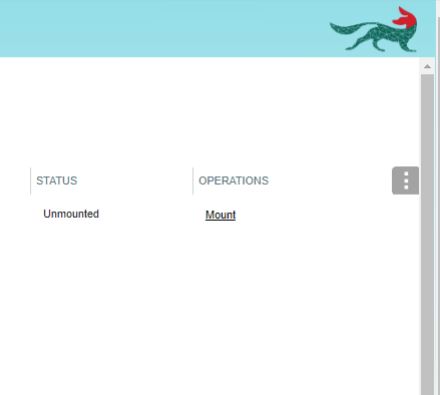
Once everything is set click Save and click Mount to mount network share.
Comments
0 comments
Please sign in to leave a comment.