
On Jatheon cCore software, users have the option to restore one or more archived emails to the original mailbox. Here's how to do it in a few simple steps:
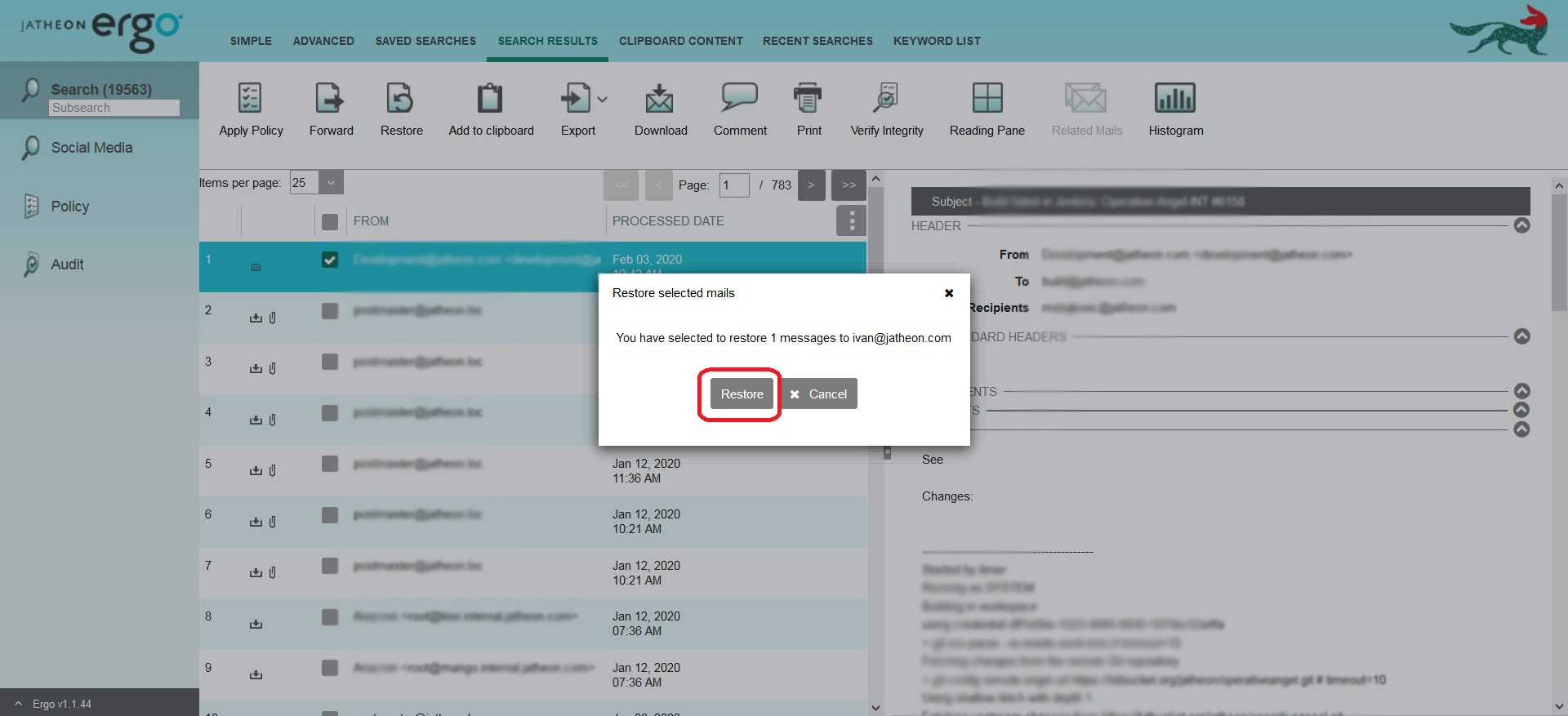
- Once you get the search results, select the email(s) you want to recover.
- Click the Restore icon in the top menu.
- A pop-up window will appear, where you'll have to Confirm that you want to restore the selected email(s) to the original mailbox.
You'll then get a confirmation that the emails were successfully restored.
Please note that the email(s) will be restored as an attached .eml file.
Comments
0 comments
Please sign in to leave a comment.